
Design, model, texture. Bring your robot to life in Blender with Francesco Vella
The Workshop
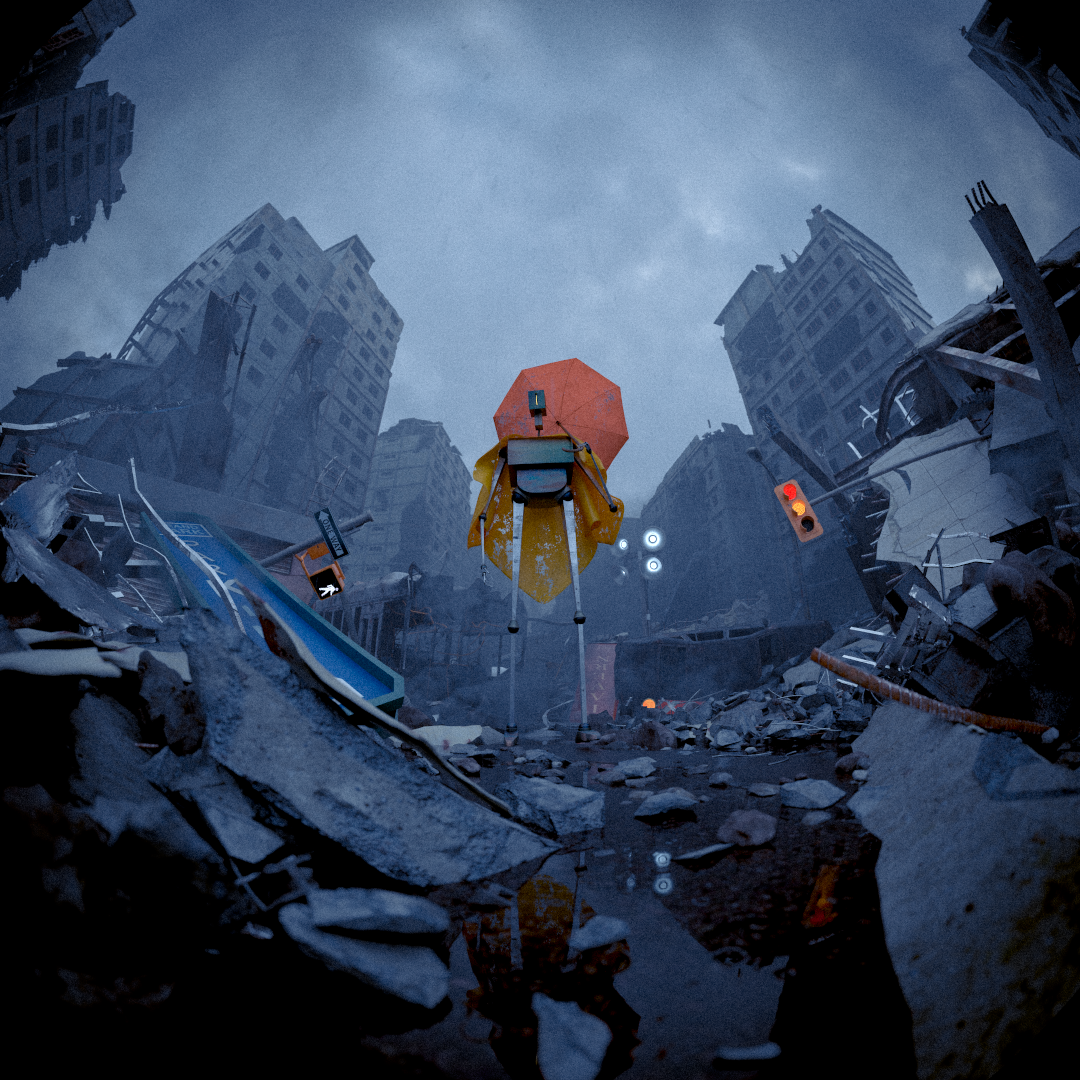
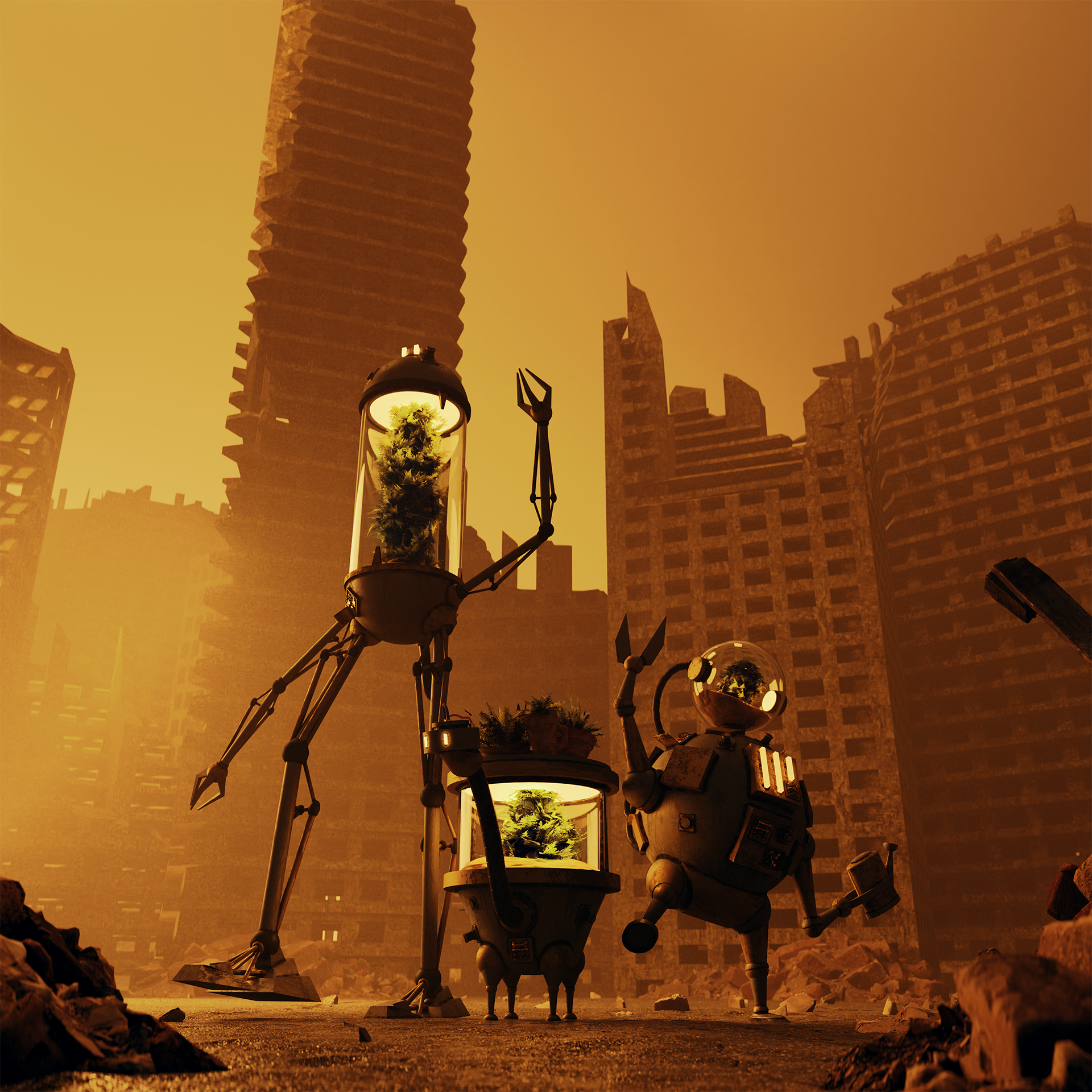
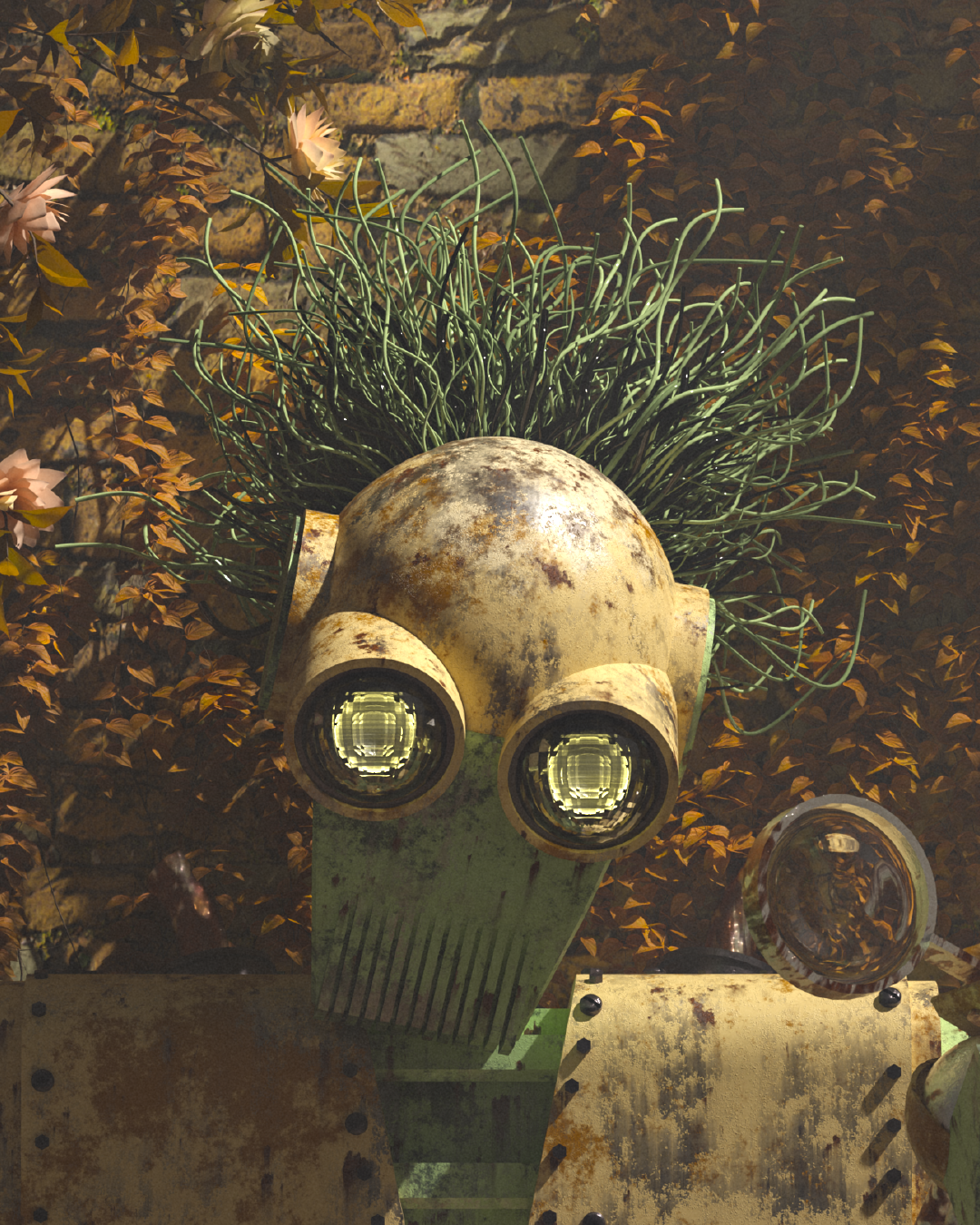
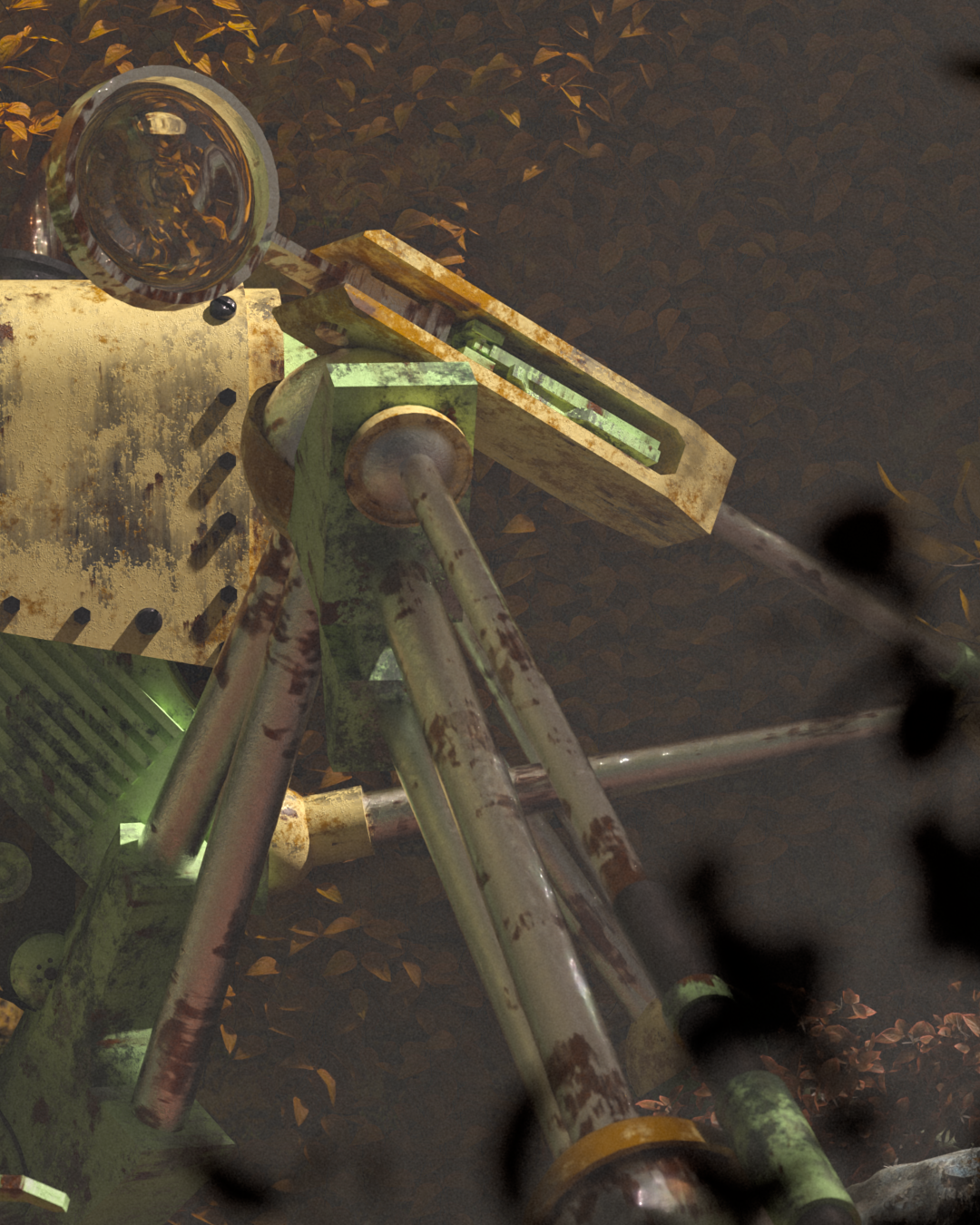
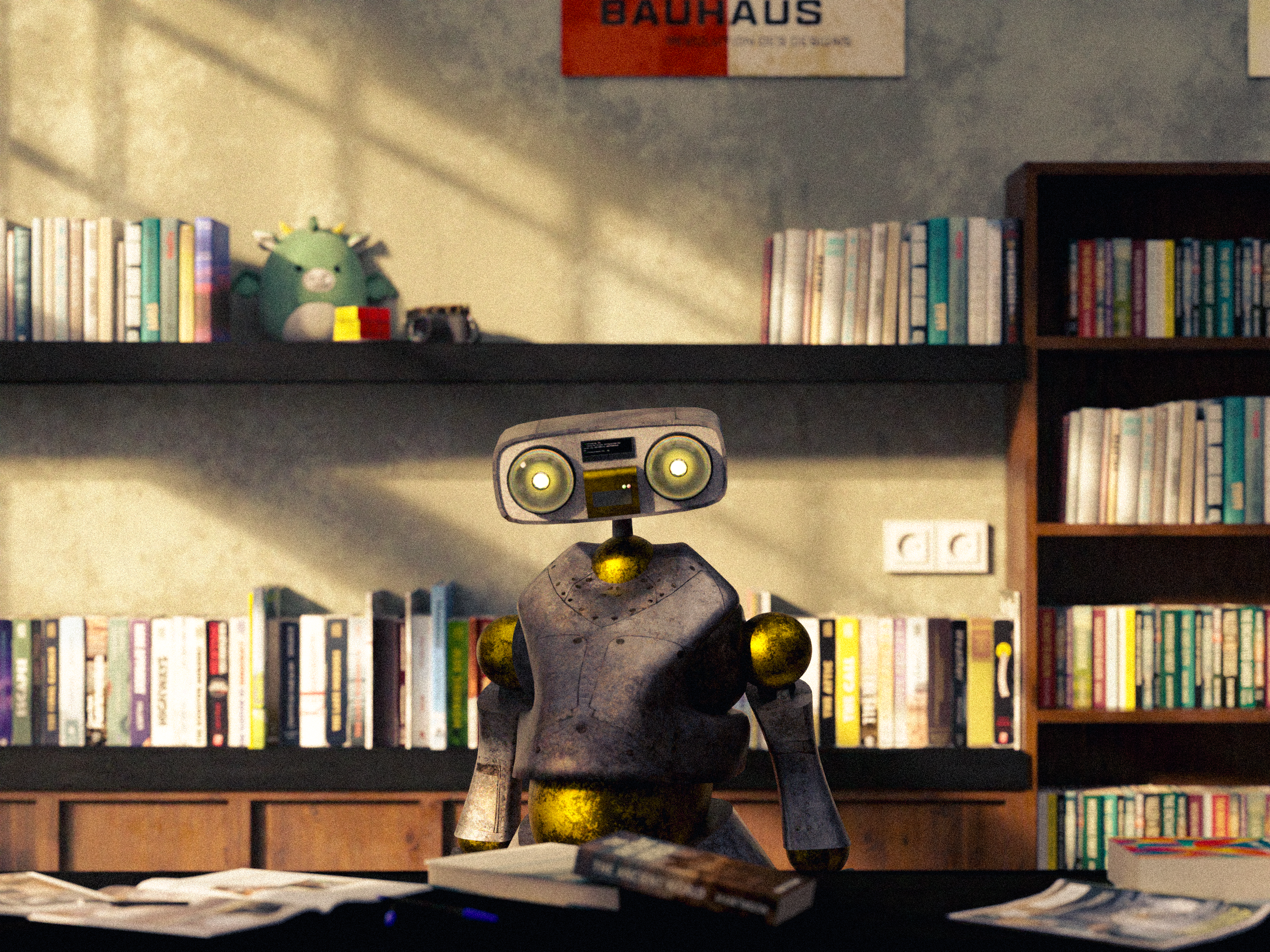
This two session workshop introduces the full workflow for creating a finished hard surface robot still in Blender. It is designed as a clear, end to end process, covering planning, modelling, texturing, lighting, and final output.
Participants are guided through each stage step by step, with a focus on building good habits, understanding why tools are used, and working in an organised, efficient way.
The Details
In the first session, you will focus on foundations. This includes planning a simple robot design, gathering references, and learning how to navigate Blender’s interface confidently. You will learn how to organise scenes using collections, work with transforms and pivot points, and understand the difference between object mode and edit mode.
The session then moves into hard surface modelling. You will work with core modelling tools, selection techniques, and modifiers, while learning basic topology principles and non destructive workflows. The session concludes with an introduction to basic rigging, including armatures, weight assignment, and simple constraints.
The second session focuses on finishing the image. You will learn UV unwrapping and material setup using procedural and PBR materials. From there, you will build a simple environment, set up cameras, and explore lighting using both manual lights and HDRIs.
You will also be introduced to optional techniques such as particle systems and kitbashing. The workshop concludes with rendering and post processing, covering render engine settings, denoising, colour management, basic compositing, and export formats.
By the end of the workshop, you will:
Understand the full workflow for creating a robot still in Blender
Model simple hard surface forms using clean, efficient methods
Apply basic rigging for posing
Create and apply materials and textures
Set up lighting, cameras, and environments
Render and export a finished still image
What you’ll need:
A laptop capable of running Blender smoothly.
Blender installed and updated to the latest stable version.
A mouse with a scroll wheel.
Dates:
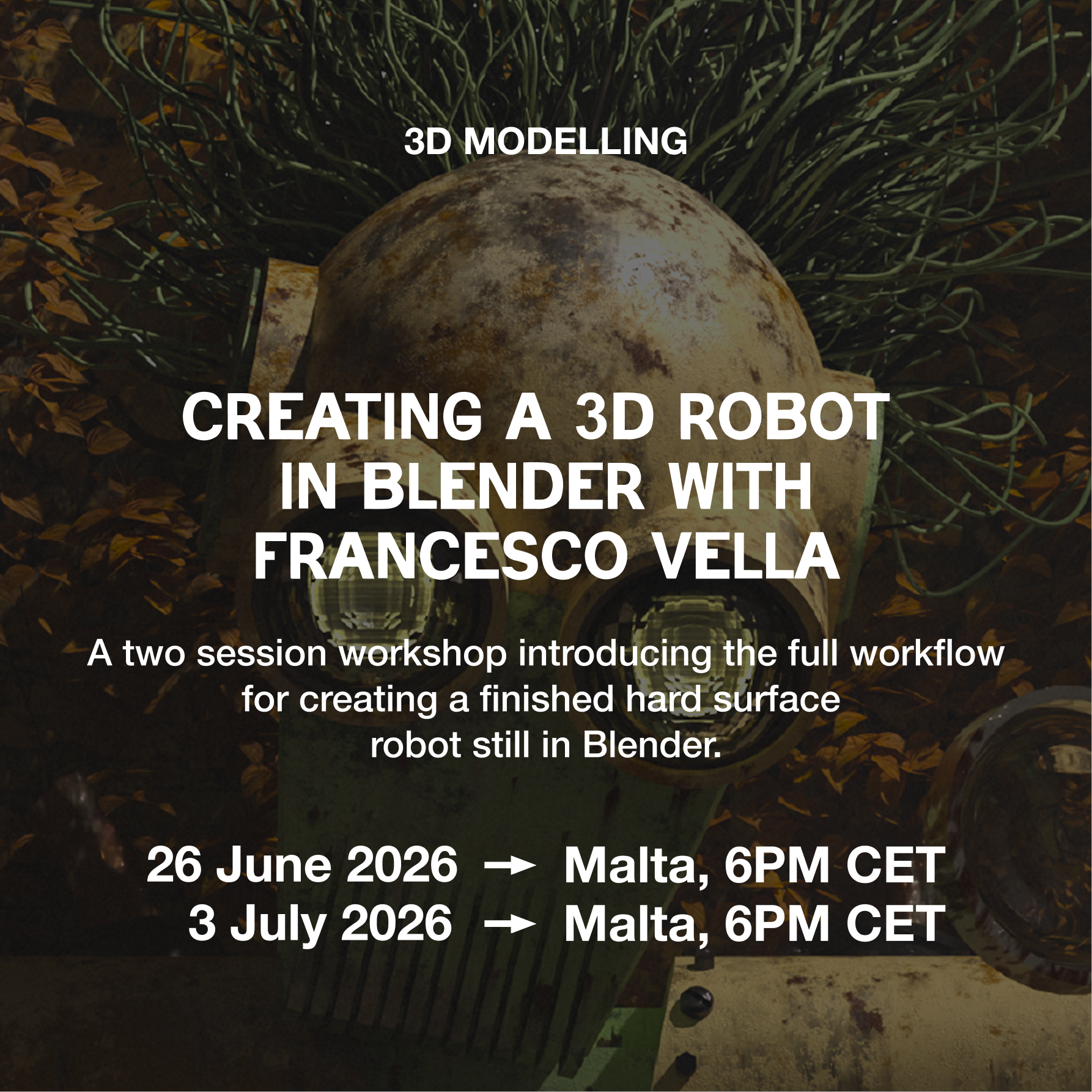
Session One. June 19th, 2026. 6PM. In Person.
Session Two. June 26th, 2026. 6PM. In Person
Design, model, texture. Bring your robot to life in Blender with Francesco Vella
The Workshop
This two session workshop introduces the full workflow for creating a finished hard surface robot still in Blender. It is designed as a clear, end to end process, covering planning, modelling, texturing, lighting, and final output.
Participants are guided through each stage step by step, with a focus on building good habits, understanding why tools are used, and working in an organised, efficient way.
The Details
In the first session, you will focus on foundations. This includes planning a simple robot design, gathering references, and learning how to navigate Blender’s interface confidently. You will learn how to organise scenes using collections, work with transforms and pivot points, and understand the difference between object mode and edit mode.
The session then moves into hard surface modelling. You will work with core modelling tools, selection techniques, and modifiers, while learning basic topology principles and non destructive workflows. The session concludes with an introduction to basic rigging, including armatures, weight assignment, and simple constraints.
The second session focuses on finishing the image. You will learn UV unwrapping and material setup using procedural and PBR materials. From there, you will build a simple environment, set up cameras, and explore lighting using both manual lights and HDRIs.
You will also be introduced to optional techniques such as particle systems and kitbashing. The workshop concludes with rendering and post processing, covering render engine settings, denoising, colour management, basic compositing, and export formats.
By the end of the workshop, you will:
Understand the full workflow for creating a robot still in Blender
Model simple hard surface forms using clean, efficient methods
Apply basic rigging for posing
Create and apply materials and textures
Set up lighting, cameras, and environments
Render and export a finished still image
What you’ll need:
A laptop capable of running Blender smoothly.
Blender installed and updated to the latest stable version.
A mouse with a scroll wheel.
Dates:
Session One. June 19th, 2026. 6PM. In Person.
Session Two. June 26th, 2026. 6PM. In Person